 Seasons
For your Mac
The weather, on your desktop.
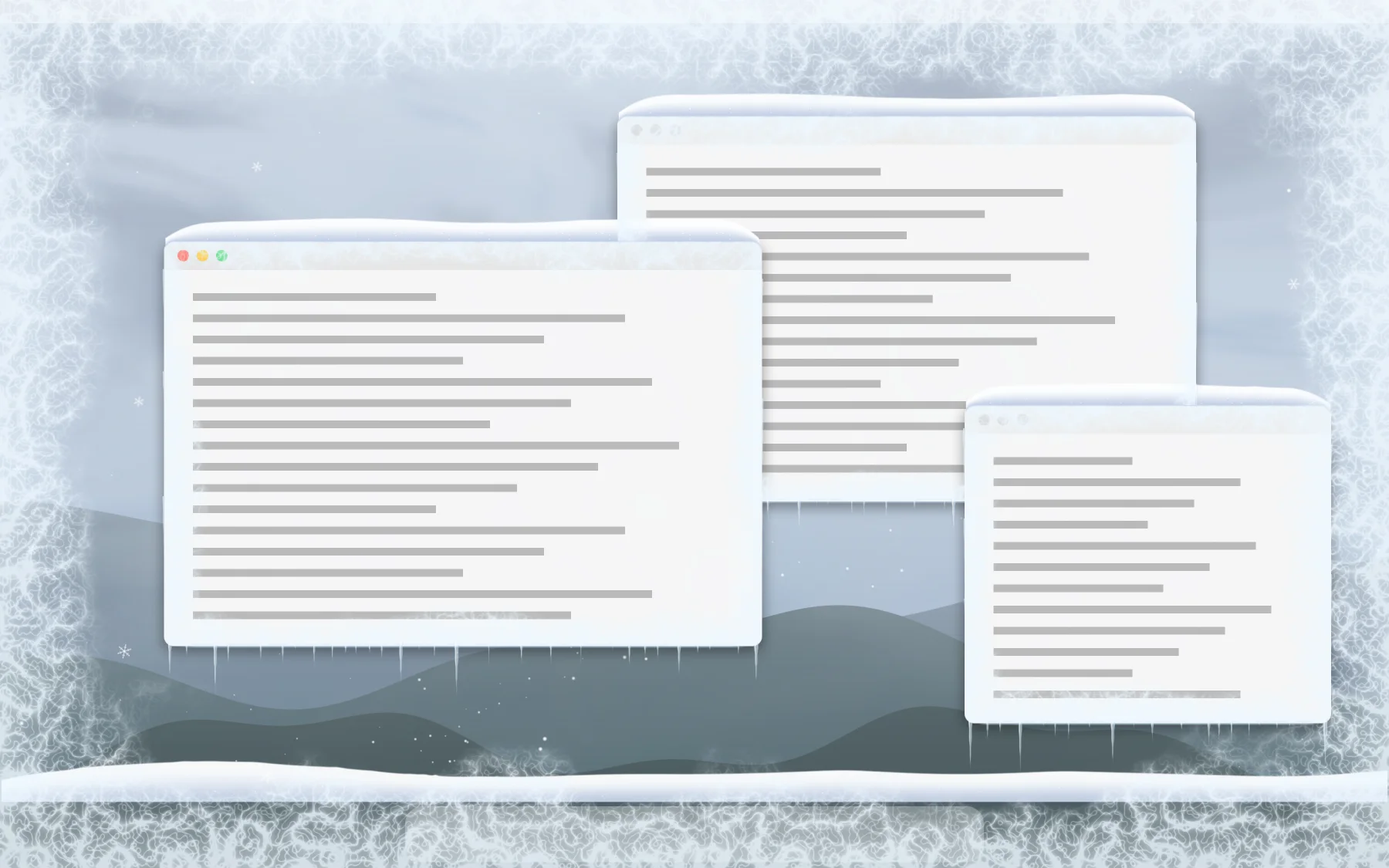
Rain streaks down behind your windows. Snow piles up on their tops and drifts along the bottom of the screen. When it freezes, icicles grow and frost creeps in from the edges. All of it follows the real weather where you are.
Apple silicon and Intel. Signed and notarized by Apple.
Seasons is a Mac app. Come back on your Mac to download it.
Every kind of weather
Whatever it's doing outside.
Seasons checks the forecast where you are every fifteen minutes and eases from one kind of weather to the next. Or pick any weather you like, or let it show you everything.
Thunderstorms
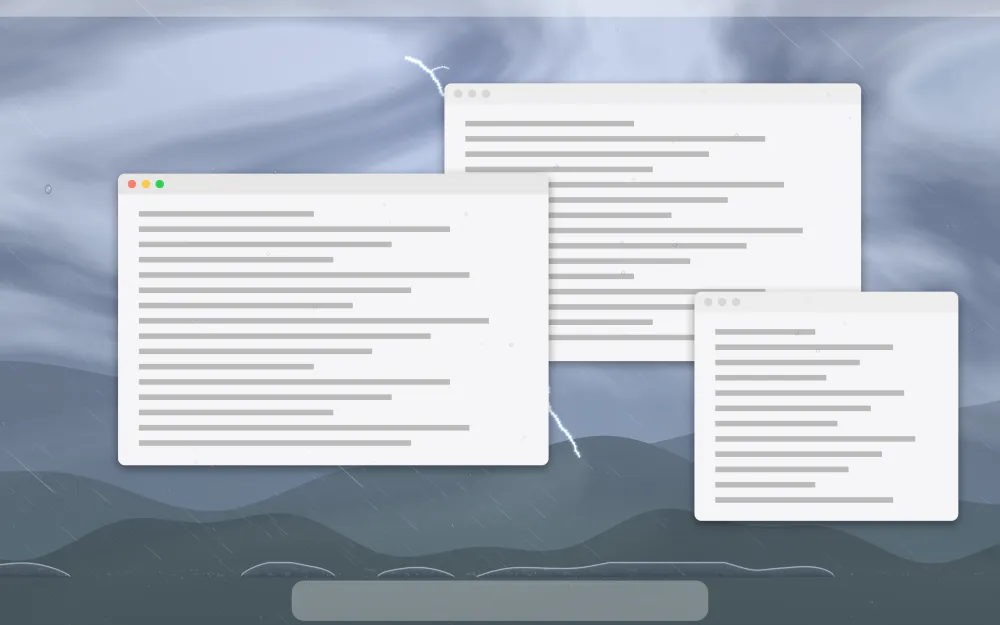
Dark skies, slanting rain, forked lightning and soft flashes.
Snow
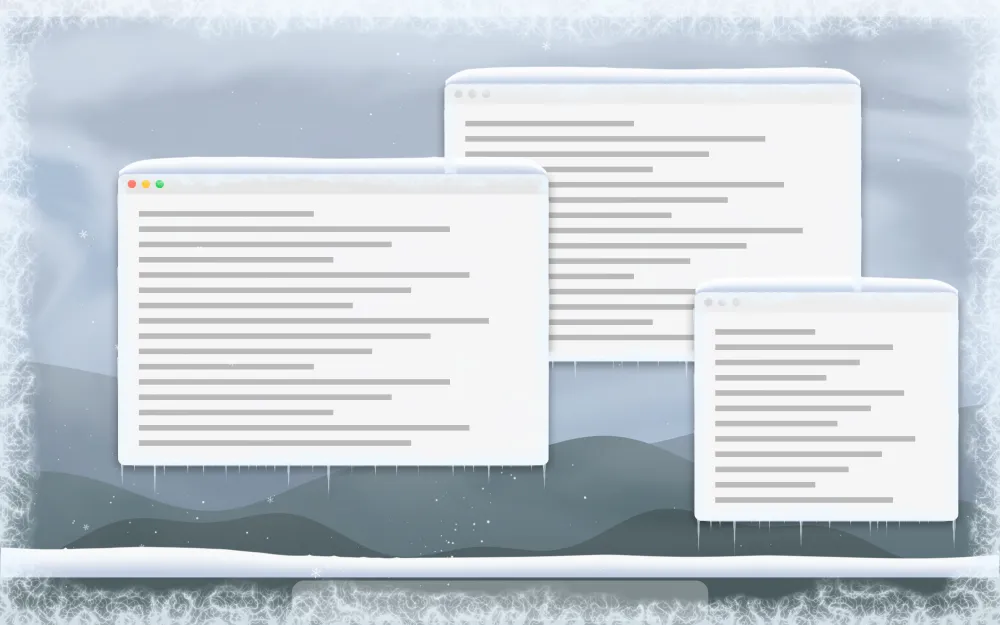
It settles on your windows and drifts along the bottom of the screen.
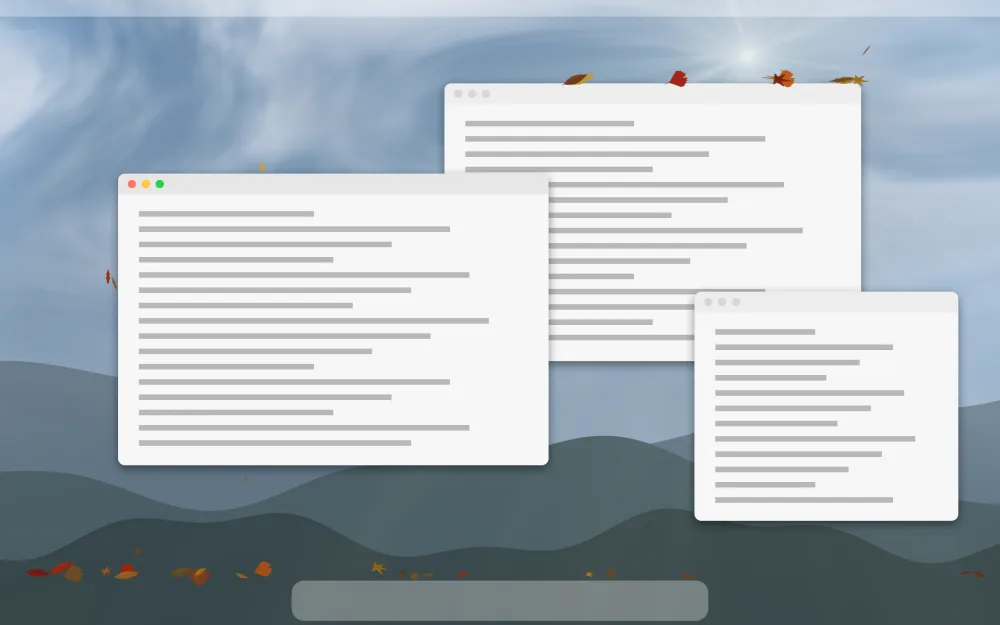
Autumn leaves
Reds and golds flutter down and gather on your windows.
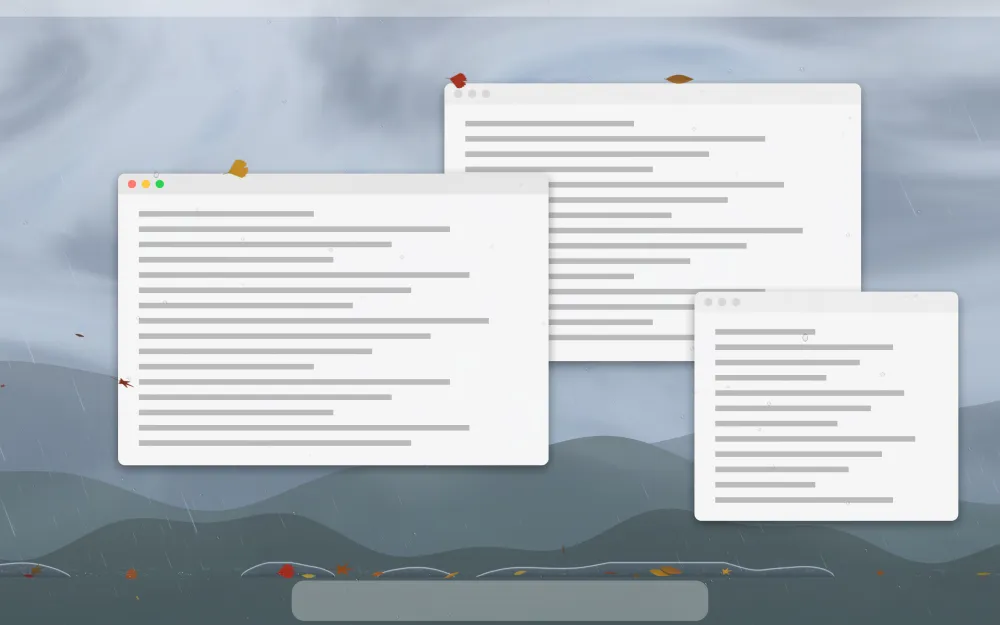
Rain
Splashes on window tops, drops running down the glass, puddles below.
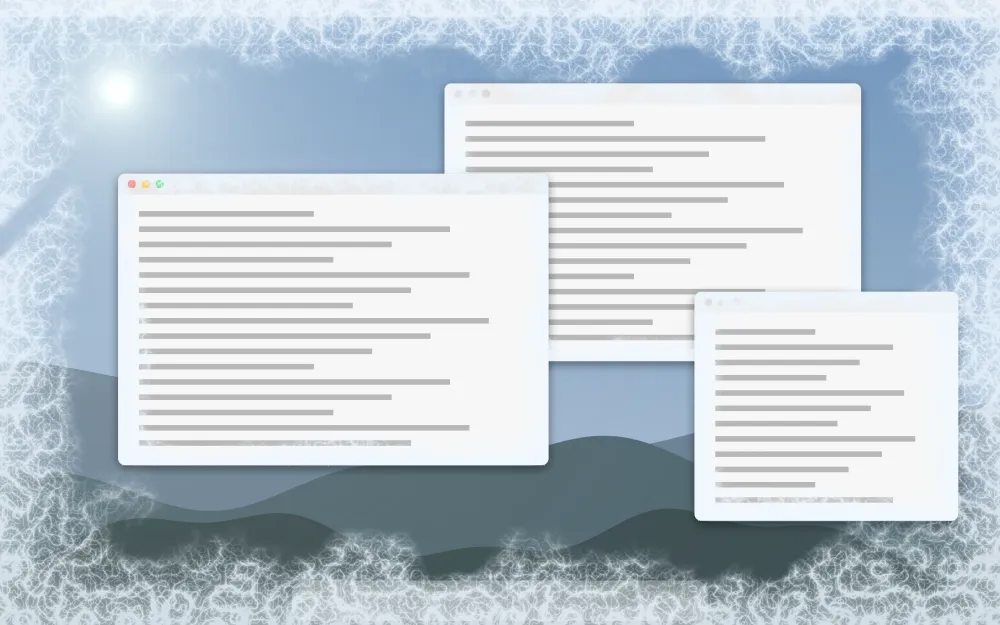
Frost
It creeps in on cold, clear nights. Wipe through it with the cursor.
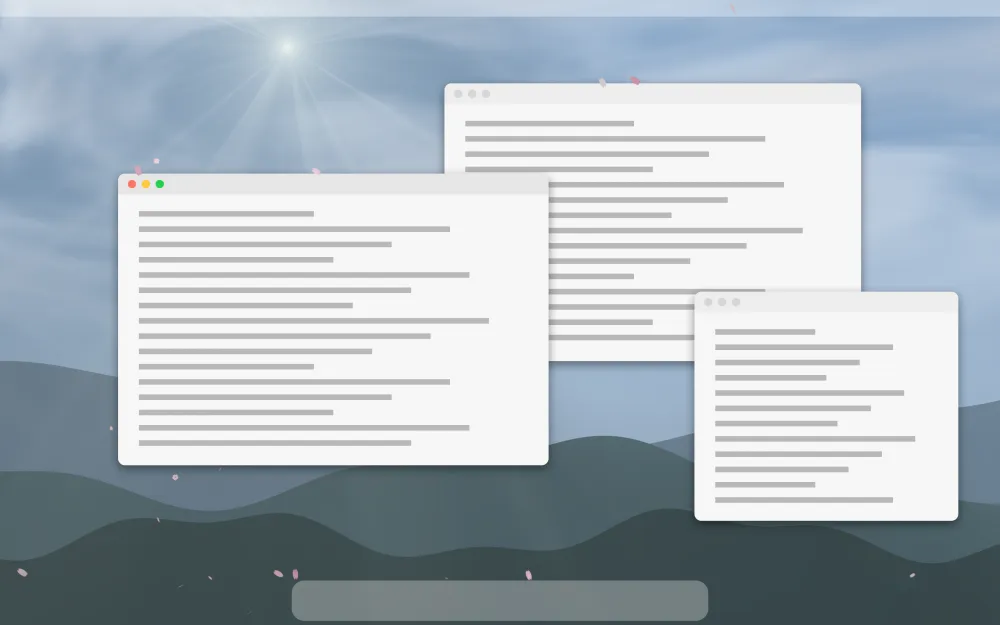
Spring blossom
Cherry petals drift by on sunny spring days.
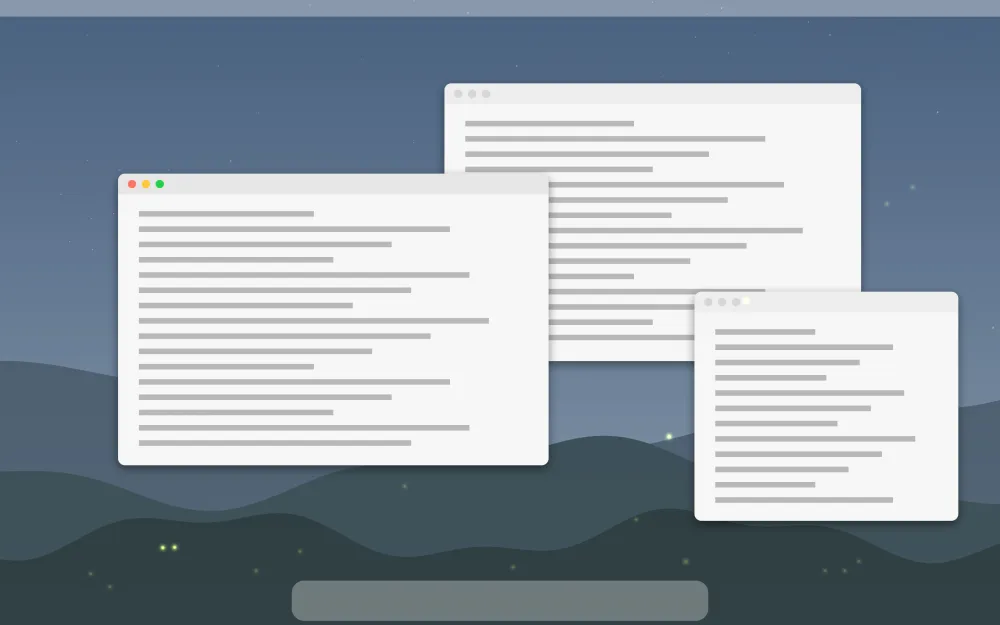
Summer nights
Stars come out, and fireflies blink low on the screen.
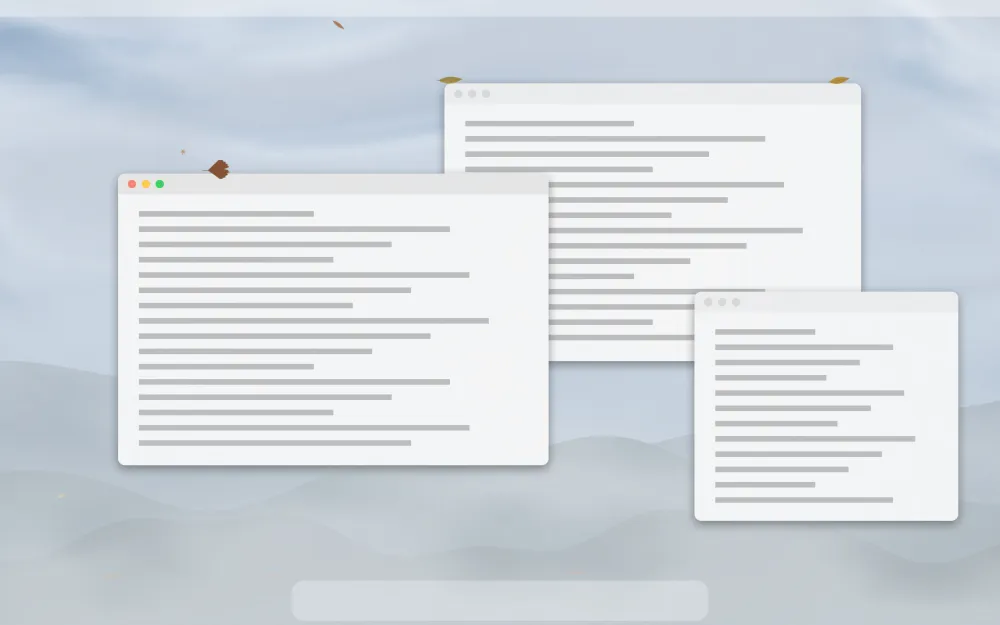
Fog
Banks of fog roll along the bottom, and the glass mists over.
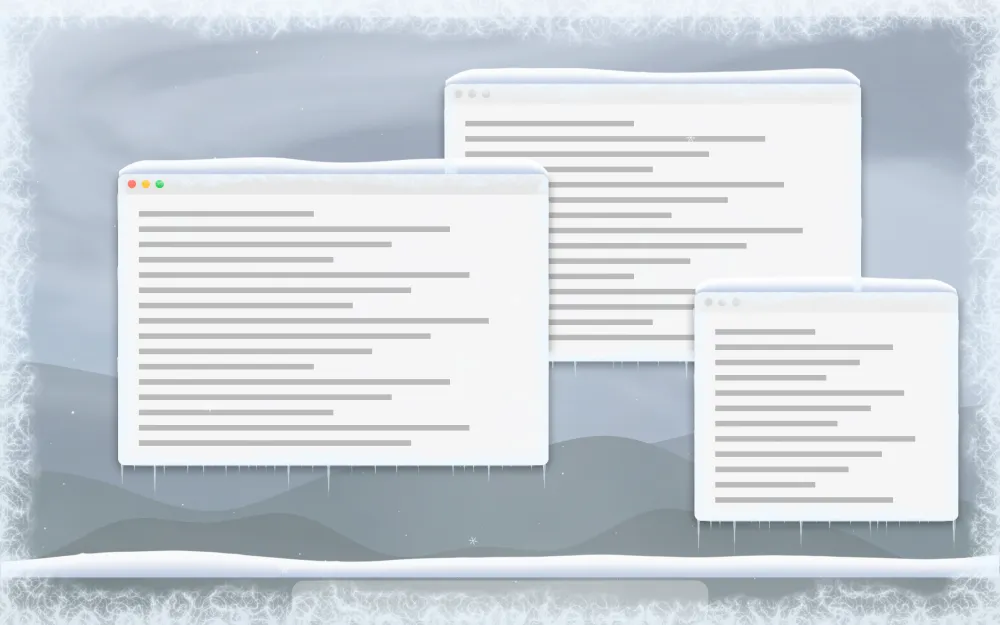
Blizzards
Snow driven sideways in a whiteout.
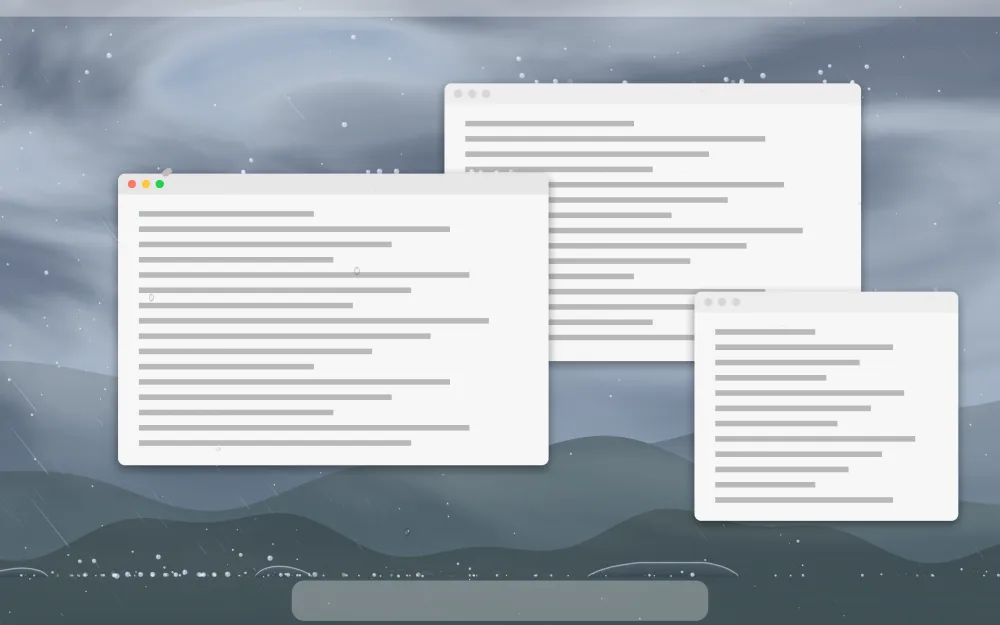
Hail
Hailstones bounce off your windows and skitter about.
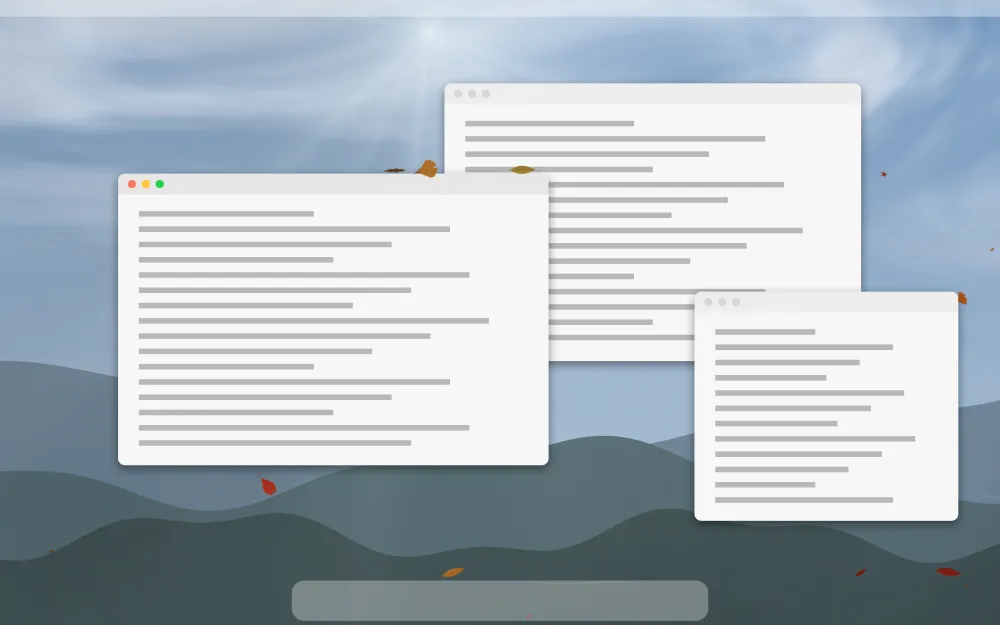
Wind
Gusts sweep across the screen and push everything with them.
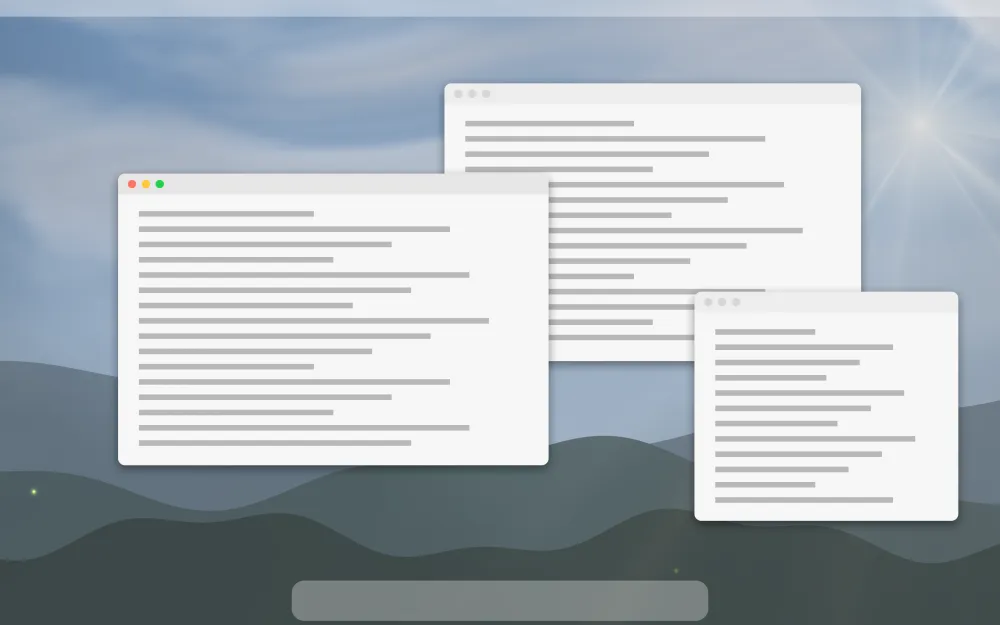
Sun and dusk
The light follows the sun across the sky, golden at either end of the day.
How it works
Behind your windows, and in front of them.
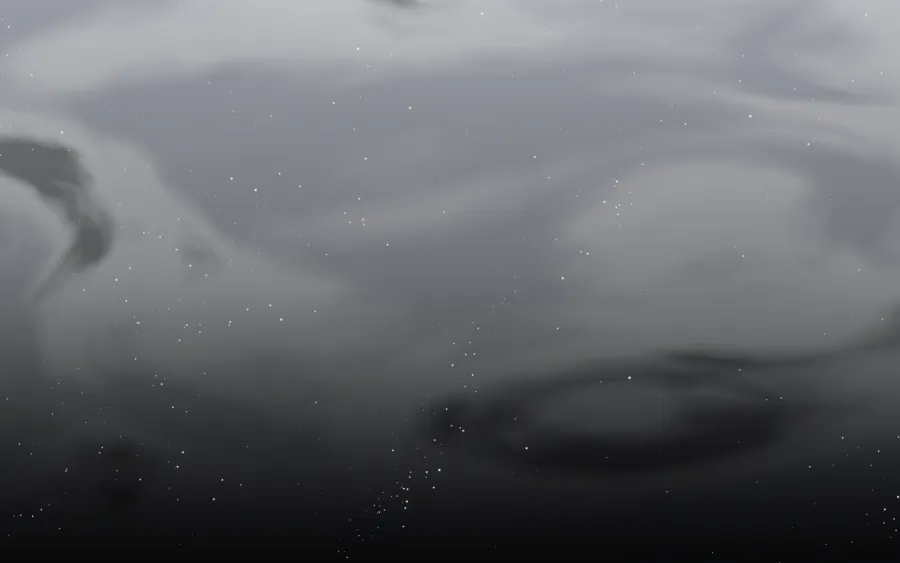
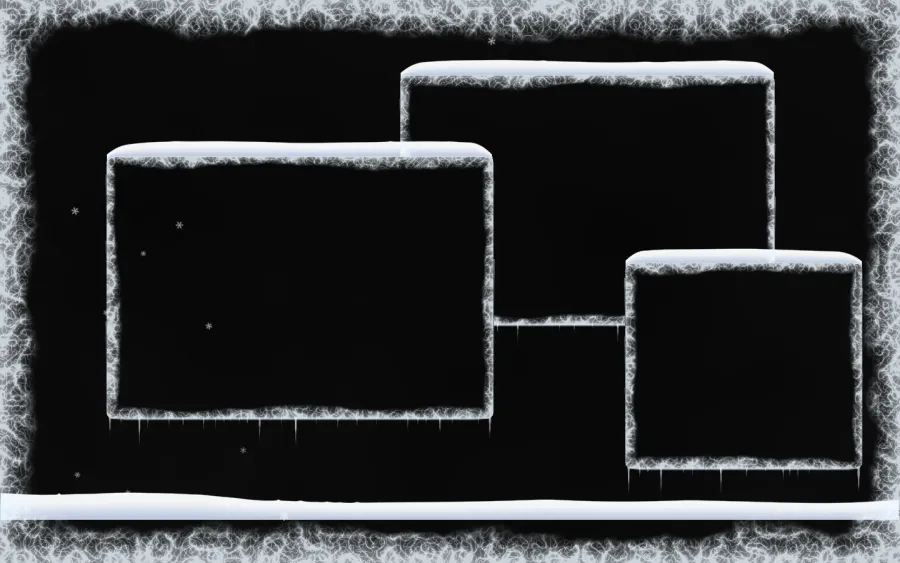
Seasons draws on two clear layers on each screen. Neither ever takes a click: everything you do goes straight through to your apps.
It builds up
Snow settles on every window you leave where it is and banks up along the bottom of the screen. Below freezing, icicles grow from window bottoms and ice runs down their sides, faster when there's snow on top. In a thaw they drip and shrink.
It plays along
Your cursor wipes trails through frost and mist that slowly creep back, brushes snow off, scatters leaves and knocks icicles down. Drag a window slowly and its snow rides along; shake it and everything falls off.
It knows the season
Leaves in autumn, blossom in spring, fireflies on summer nights and frost in winter, flipped south of the equator. The desktop darkens at night and warms at dusk.
Privacy
Only the weather leaves your Mac.
| What | How | Permission |
|---|---|---|
| Live weather | Your place, rounded to about a kilometre, sent to Open-Meteo. No account, key or identifier. | None |
| City search | The name you type, sent to Open-Meteo's place search. | None |
| Your location | Only if you turn on “Use my location”. | Location Services |
| Window positions | Their size and place on screen, so snow can settle on them. Titles and contents are never read. | None |
| The cursor | Where it is, so it can wipe and brush things. Clicks always go through. | None |
With Reduce Motion on, there's less of everything and lightning doesn't flash. On battery it runs at 30 frames a second, and it stops drawing when your screen is locked or asleep, and behind any window that fills the screen.
Let it snow.
Seasons is free. Open the disk image, drag Seasons into Applications and open it. Pick a place, or choose some weather, and it lives in the menu bar from then on.
Download SeasonsFree · macOS 14 or laterSeasons is a Mac app. Come back on your Mac to download it.
- Requires
- macOS 14 Sonoma or later, Apple silicon or Intel
- Version
- Size
- SHA-256
To uninstall, right-click the menu bar icon, choose Quit Seasons, and delete the app.